
1 King: Mobile App and Shortcut
You can open 1 King on a phone in two ways. Android owners install an app file, and iPhone owners add a shortcut to the home screen. Both routes start from the same place, the Uygulama (App) page in our menu.
This guide keeps to the steps and screen names we know. It does not promise store listings, versions or file sizes. The goal is simple: get 1 King on your phone safely. Only players aged 18 or older may use the service.
Mobile Access at 1 King in Brief
The menu has an entry called Uygulama. It opens a page titled 1KING Uygulama with a QR code and a short step guide. The footer of the 1 King site also has a Mobil uygulama block.
Two routes
On Android, 1 King uses an app file that you download from our page. iPhone uses the Share button of the browser to place a shortcut named 1KING on the home screen. The shortcut opens the site like an app icon.
What stays the same
Your 1 King account is the same on every device. You log in with the phone number or e-mail you used at sign-up. One person may hold one account only.
What You Need Before 1 King Setup
A little preparation makes the 1 King install smooth. Most problems come from a full phone or a wrong link, and both are easy to avoid. Run through this short list first.
- A phone with a working internet connection
- The Uygulama page opened from our own menu
- Enough free space for a new app on Android
- Permission to allow the install from this source on Android
- Your login details, which are the phone number or e-mail from sign-up
With the list done, you can pick your route. Android and iPhone steps are different, so follow only the part that fits your device.
How to Install 1 King on Android and iPhone
Each route takes only a few taps. The names of buttons are shown in Turkish, exactly as on our page, so you can match them with your screen.
Android steps
These five steps follow the page guide in the same order.
- Open the Uygulama page and tap Android uygulamasını indir, then tap Aç.
- If the phone asks, confirm the download again with Tekrar indir.
- When the security prompt appears, allow installation from this source. The setting is in Ayarlar under Uygulamaların yüklenmesine izin ver.
- Tap Yükle to start the install.
- Open the app when the install ends and log in.
The security prompt is normal for an app file that does not come from a store. Allow it only for the file you got from our page.
iPhone steps
On iPhone the shortcut is added from the browser. It needs three taps and no file.
- Open our site in the browser and tap the Paylaş (Share) button at the bottom.
- Choose Ana Ekrana Ekle (Add to Home Screen).
- Tap Ekle to confirm. The 1KING icon now sits on your home screen.
A shortcut does not install a separate app. It is a quick link to 1King, and your account and balance stay the same.
Moving Around the 1 King Phone View
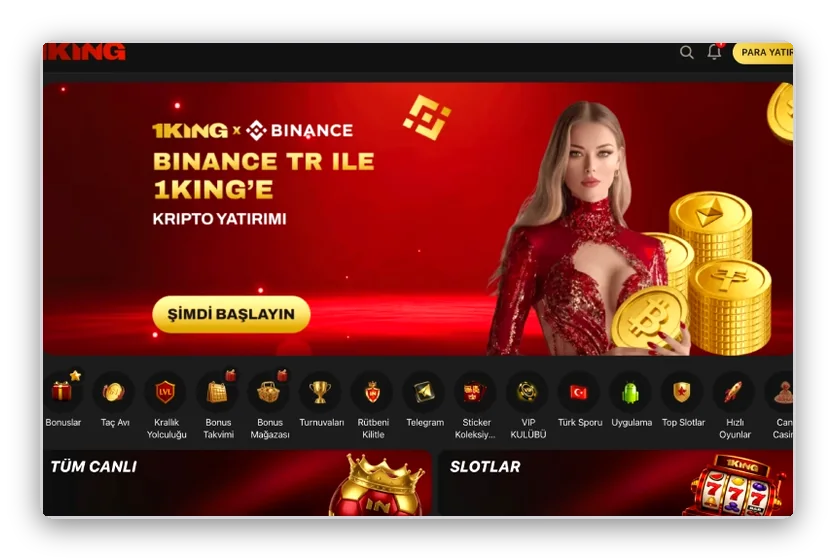
The phone view of 1 King has a bottom bar for the main areas. It keeps the most used actions under your thumb. Here is what each item is for.
| Bar item | What it does |
|---|---|
| Ana Sayfa | Returns to the home screen |
| Bonuslar | Opens the bonus section |
| Spor | Opens the sports section |
| Casino | Opens slots, live tables and quick games |
| Giriş yap | Opens the login |
| Menü | Opens the full menu with Uygulama and more |
Once you are logged in to 1 King, your account panel offers Para yatır and Para çek buttons. Use them from your phone just as you would from a computer. Deposit and withdrawal tools, payment methods such as crypto or bank transfer, and the welcome bonus work the same way in the mobile app and in the browser.
Bonuses in the new app
Our 1 King banners mention bonuses in the new app. Their rules are shown on the banner or in the bonus section. Read them before you claim anything, as terms differ from offer to offer.
Safe download habits
Install 1 King Casino only from the Uygulama page that you opened from our menu. Do not use files that friends or strangers send you. Never type your password on a page that looks similar but came from a message. Keep your login details private.
Frequently Asked Questions About Mobile Access
Is there a 1 King app for Android?
Yes. The 1 King Uygulama page offers an Android app file with a QR code and a step guide. You download it, allow the install from this source and open it.
How do I get 1 King on an iPhone?
At 1 King you add a shortcut. Tap Paylaş, choose Ana Ekrana Ekle and tap Ekle. The 1KING icon then appears on the home screen.
Do I need a new account for the app?
No. Use the same 1 King phone number or e-mail and the same password as on the site. One account per player is the rule.
Why does my phone show a security prompt?
An app file that comes outside a store triggers it. Allow the install only for the file you got from our Uygulama page, and tap Yükle.
What if the install fails?
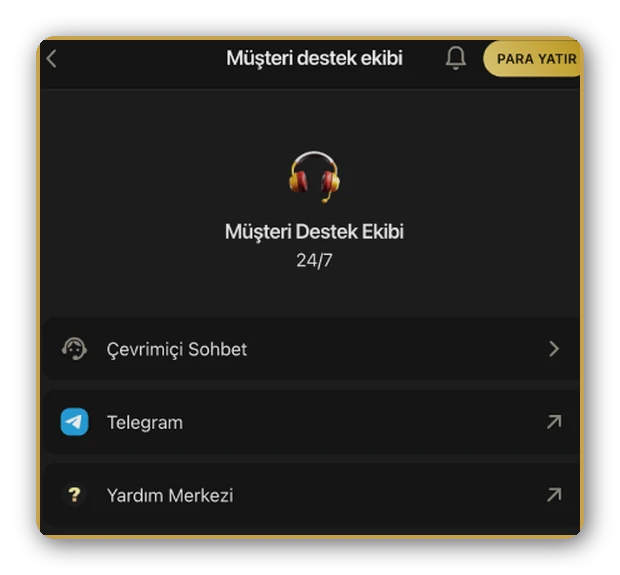
Check your connection, your free space and the install permission. If it still fails, write to [email protected] or use the chat. The 1 King support team works 7/24.
Can I play on a phone with the demo mode?
Game pages have a DEMO MODU button next to OYNA. Open any game page to see it.